Fast manual trip logging
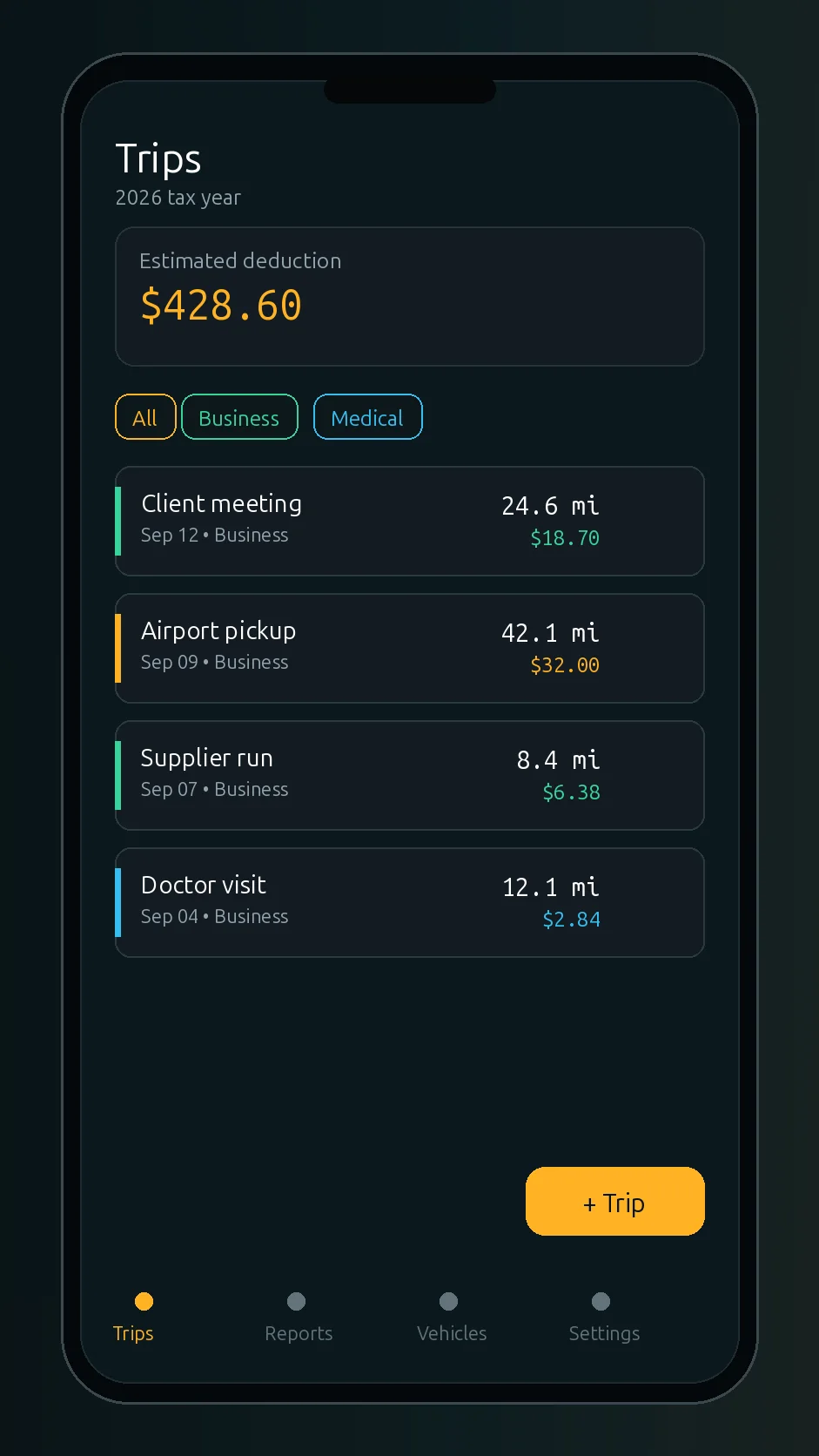
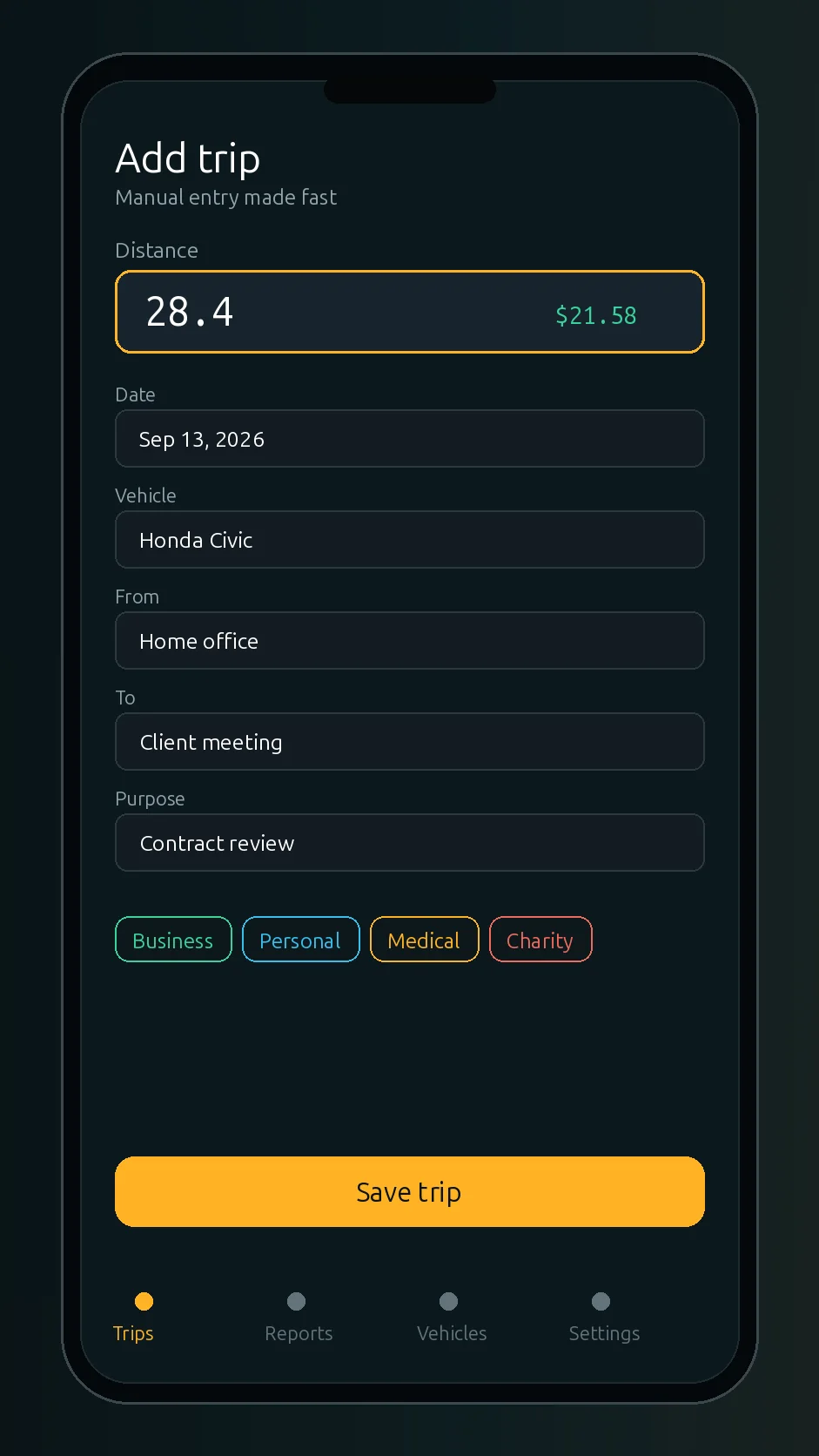
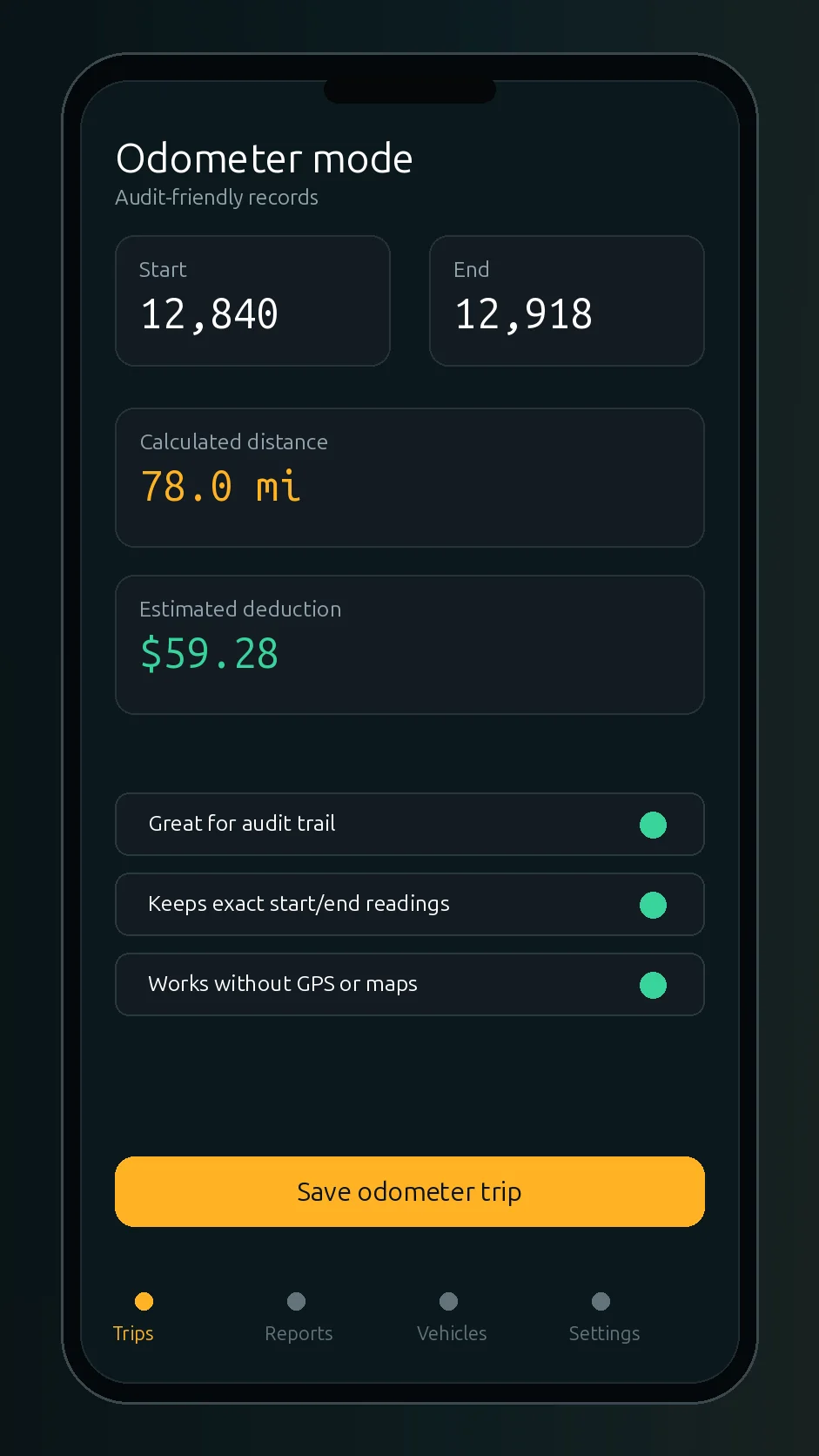
Add a trip with distance or odometer readings, route details, purpose, category, and notes.
 Mileage Tracker
Google Play
Mileage Tracker
Google Play
Mileage Tracker for Android
Log business trips in seconds, keep your trip history on your device, and export clean PDF or CSV records when you need them.
Why manual-first
Automatic GPS mileage apps are useful for some drivers. They can also be more than you need. Mileage Tracker is built for people who prefer to enter the drives that matter and keep a straightforward record for work, reimbursement, or tax preparation.
Features
Add a trip with distance or odometer readings, route details, purpose, category, and notes.
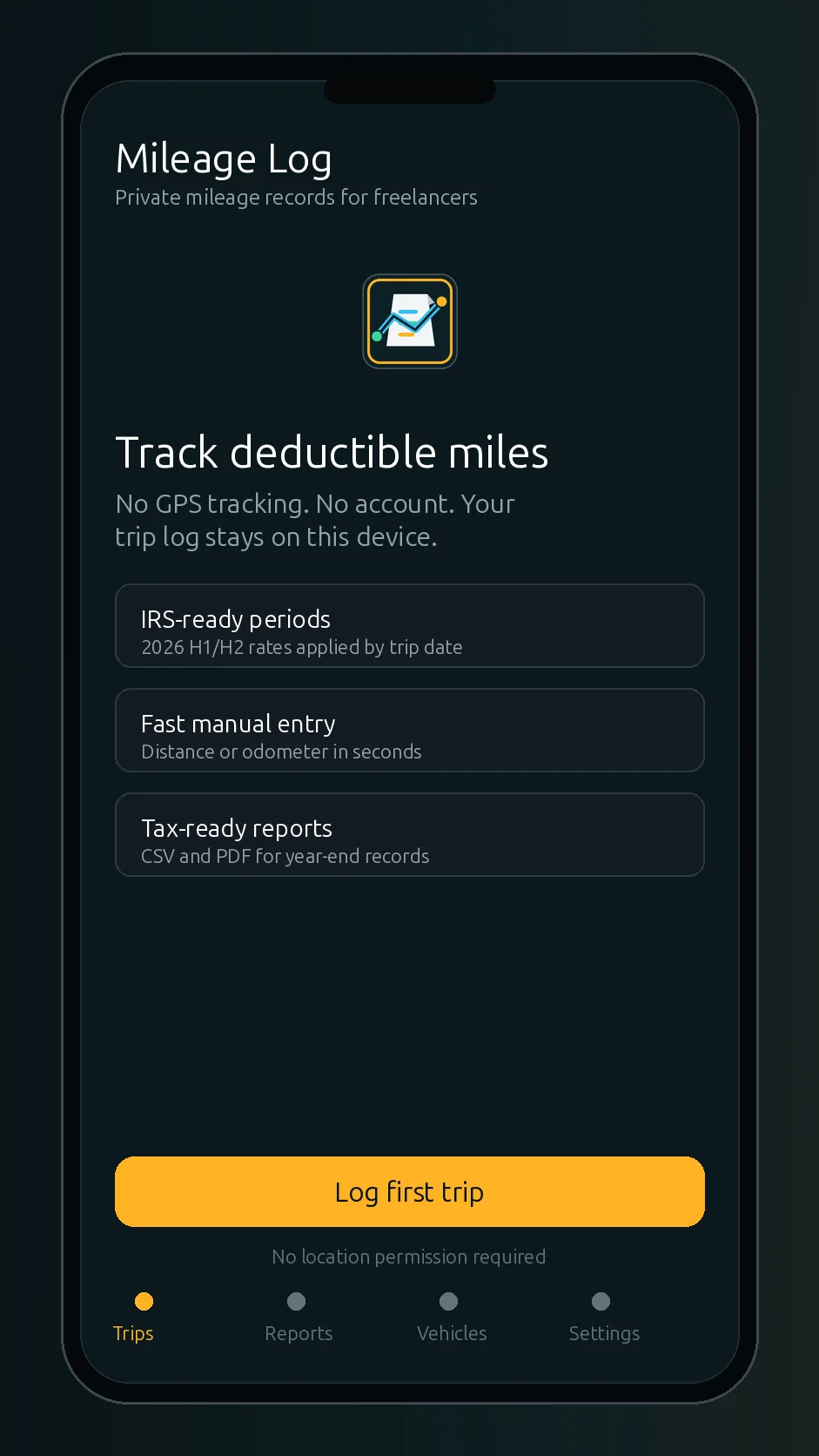
The app does not need continuous location tracking or a location permission to keep your mileage log.
Your mileage entries are kept on the device according to the app's current local-first design.
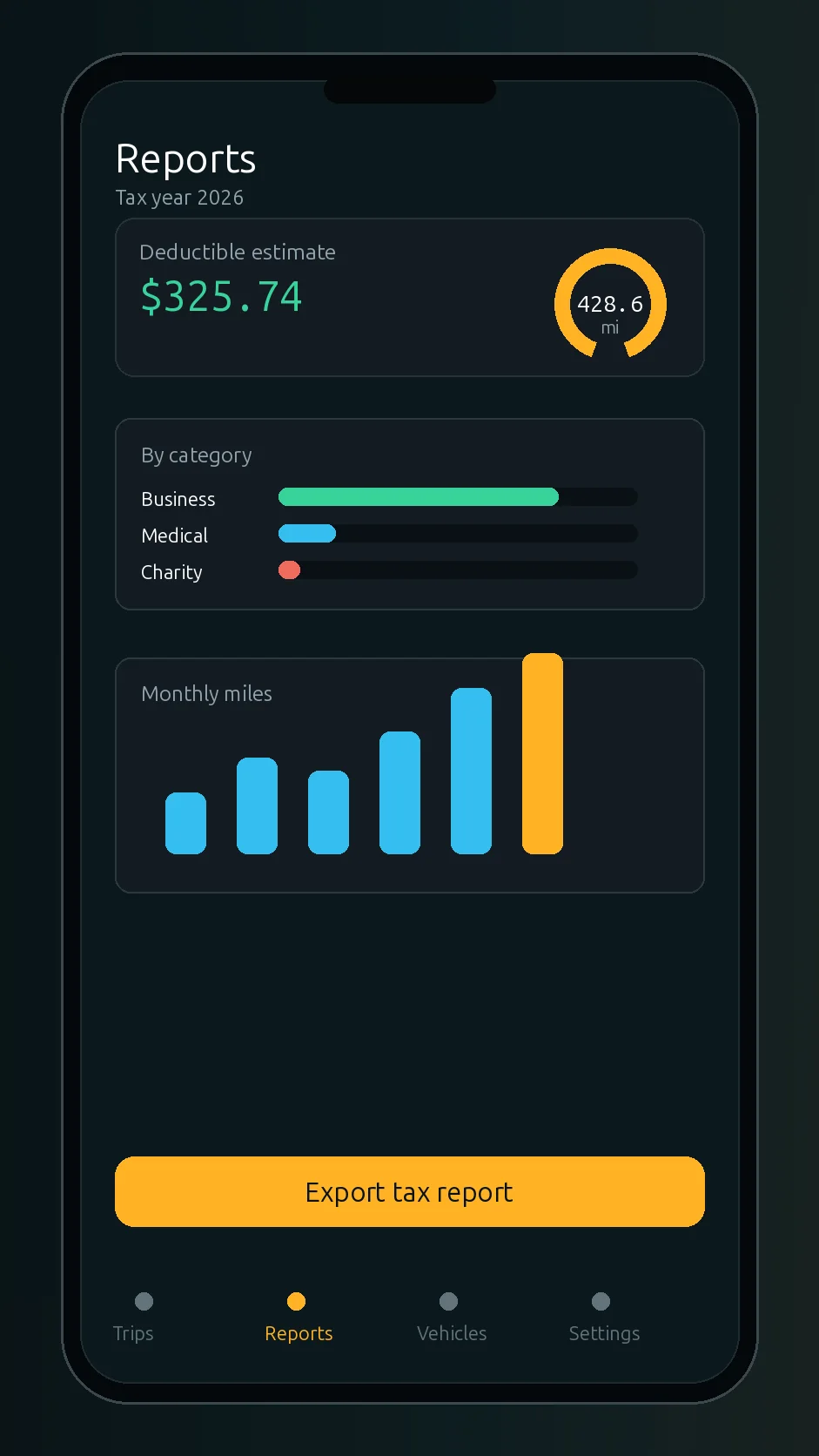
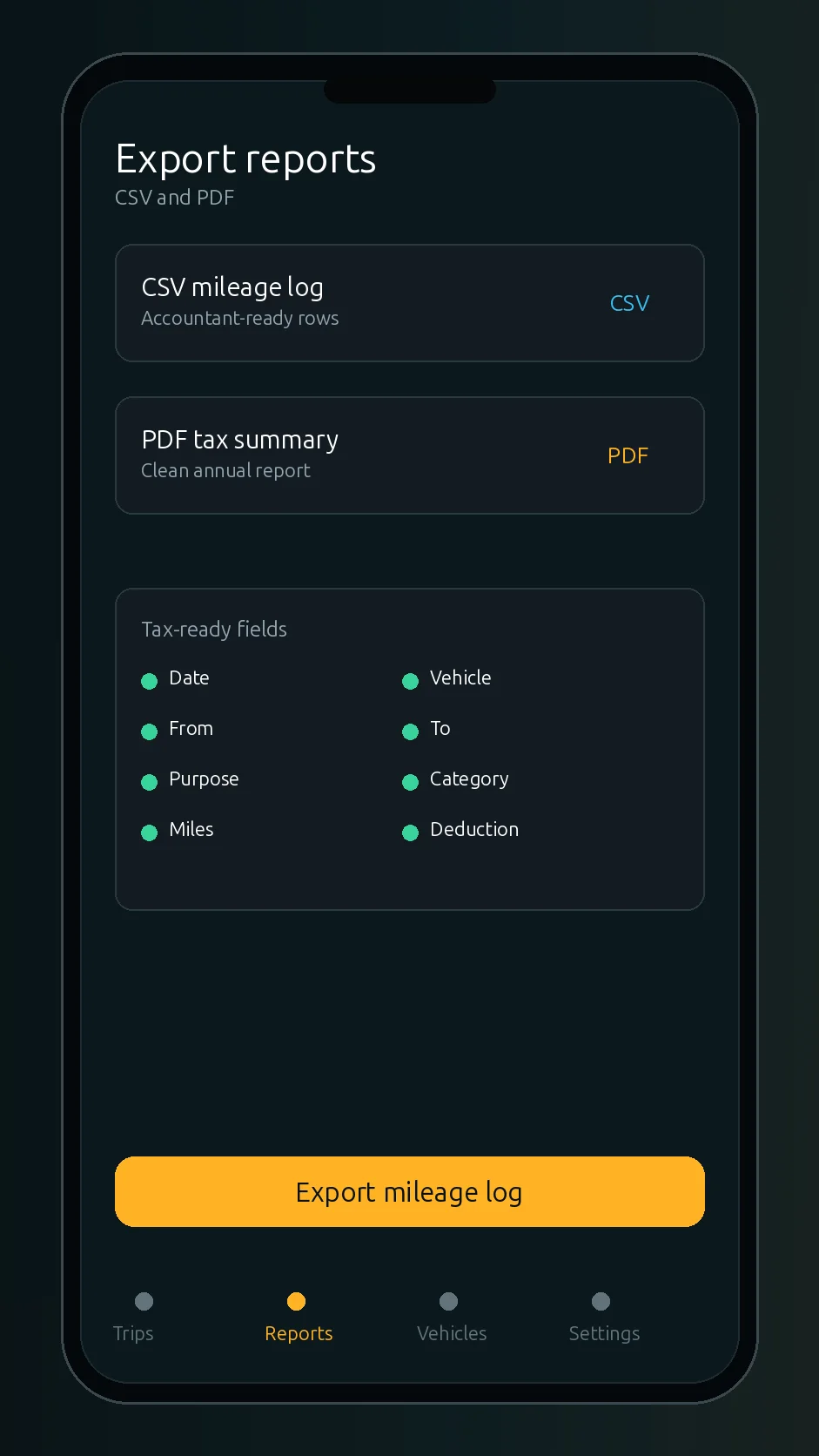
Create a readable mileage report when you need a document for your records or accountant.
Export spreadsheet-friendly mileage data for bookkeeping workflows.
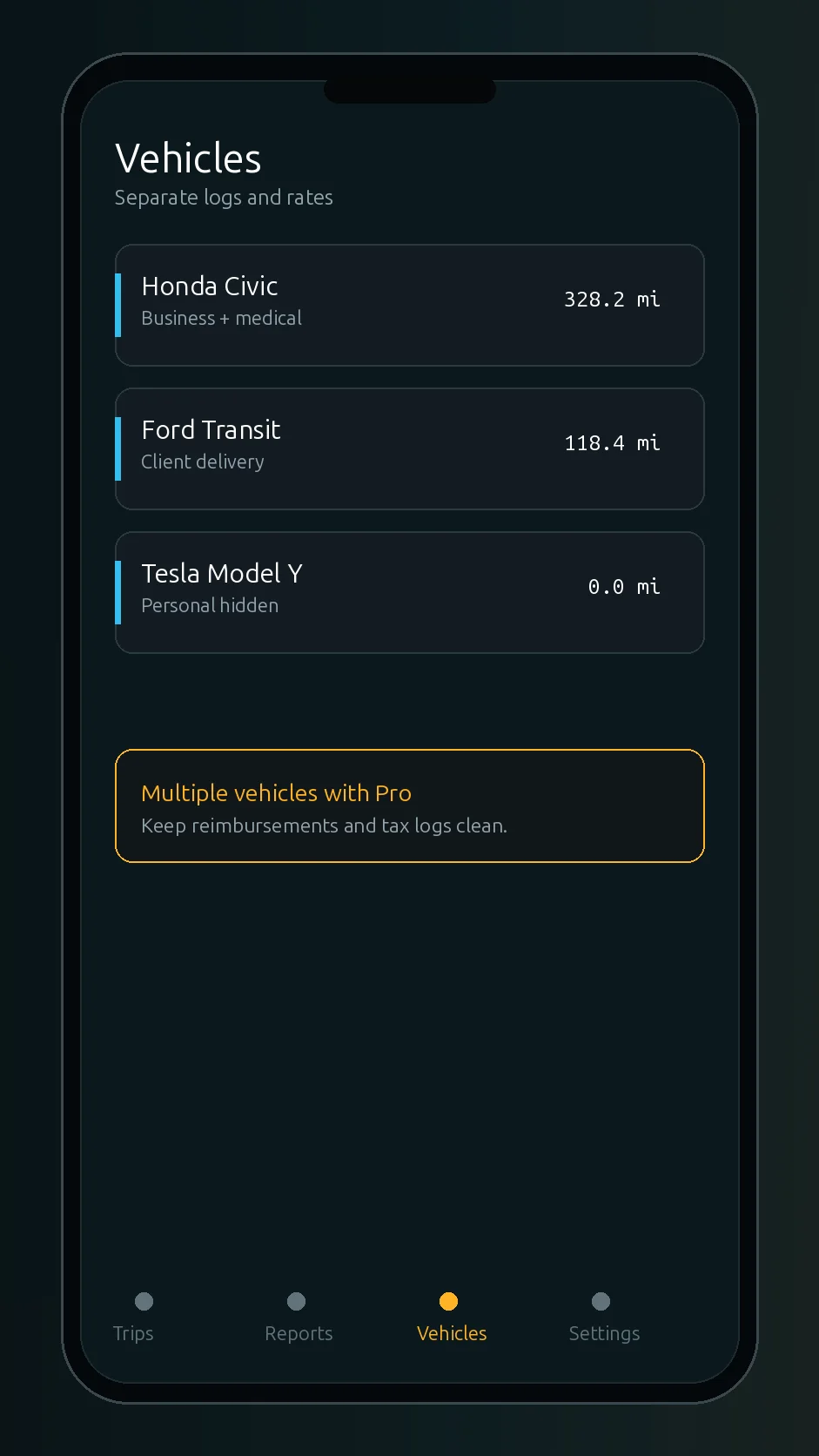
Pro can separate trips by vehicle for cleaner work records.
App screens
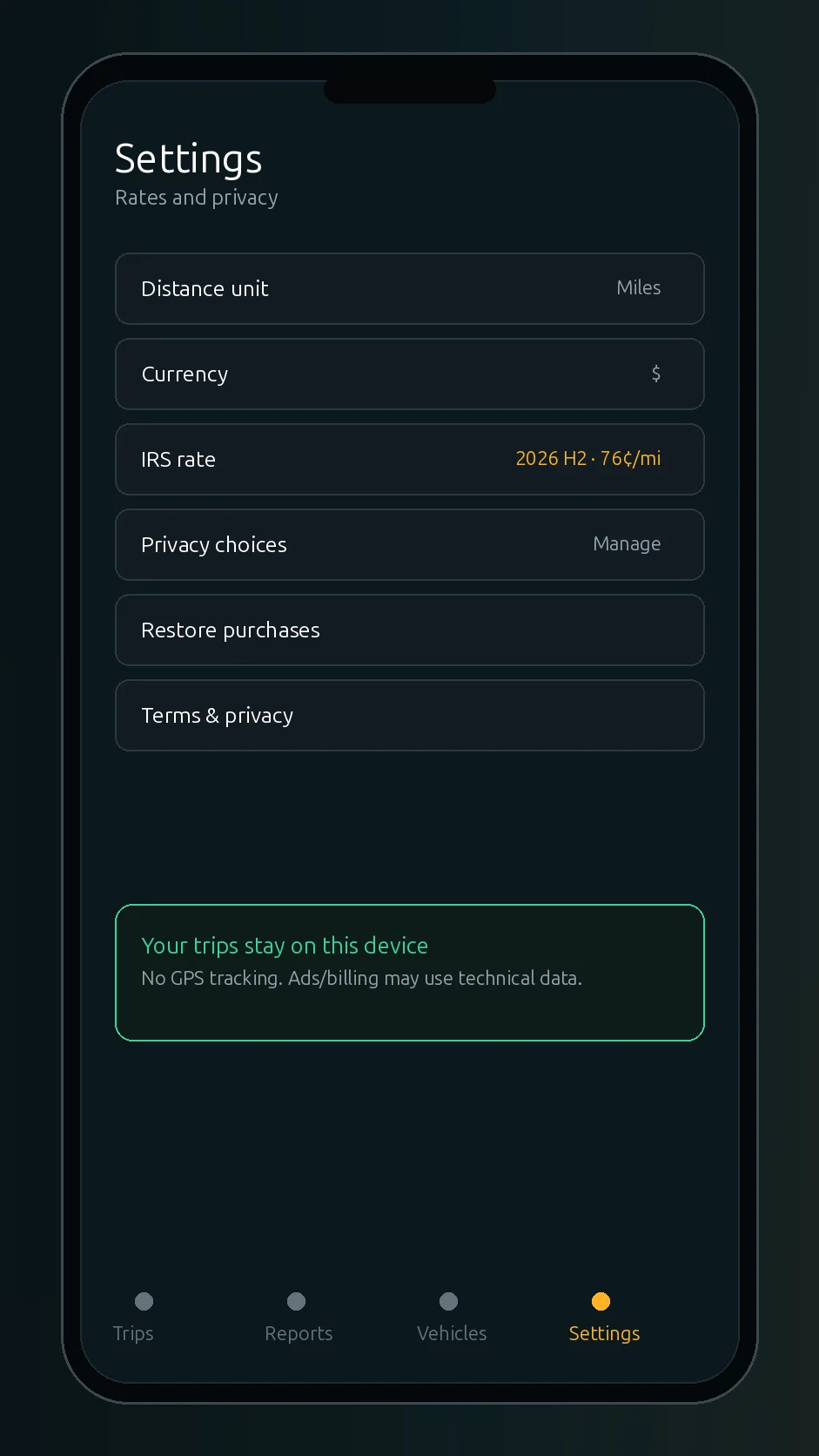
These screens show the current Android app flow: start screen, trips, manual entry, odometer mode, reports, vehicles, export, and settings.
Privacy
Mileage Tracker is designed around manual entry, so it does not need to follow your GPS location. No account is required for the trip log, and your mileage history stays on your device. Ads, billing, or app store services may process technical data where enabled.
Privacy PolicyPDF and CSV
Use PDF or CSV exports to summarize your drives, share records with an accountant, or prepare information for reimbursement and tax paperwork. The app helps you organize records; it is not personalized tax advice.
Users
FAQ
No. Mileage Tracker is built around manual mileage entry and does not need GPS tracking for the trip log.
No account is required to use the mileage log.
The trip log is kept on your device according to the app's current design.
Yes. PDF and CSV exports are available in the app's Pro offer.
Yes. Multiple vehicles are available with Pro.
The Google Play listing shows the app contains ads and in-app purchases. Core mileage logging tools are available without paying.
Yes. The app can be used with miles or kilometers and a currency symbol you choose. Always confirm local reimbursement or tax rules yourself.
Yes. The app lets you set the rate that applies to your own situation.